Built different.
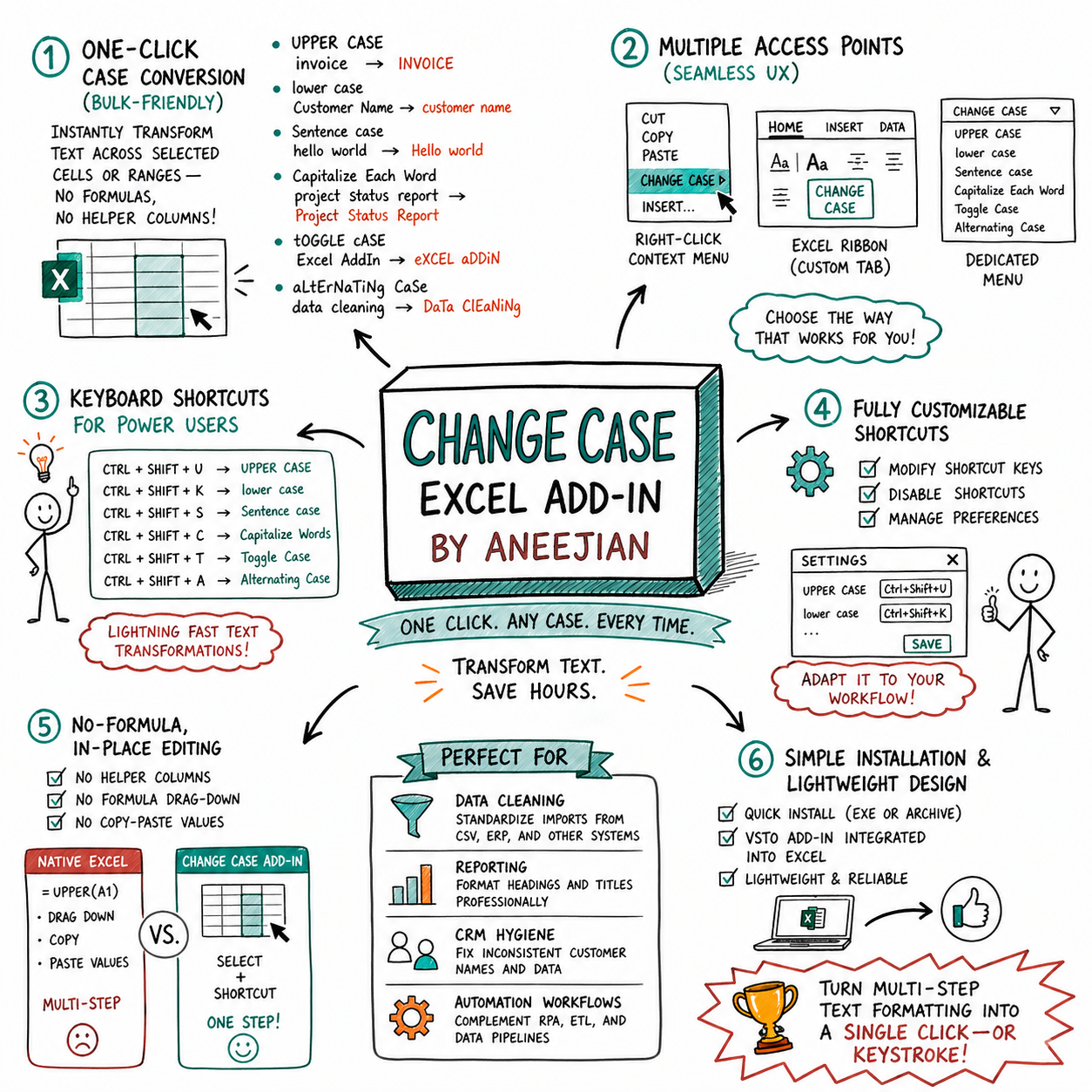
Every feature is designed around how you actually work in Excel.
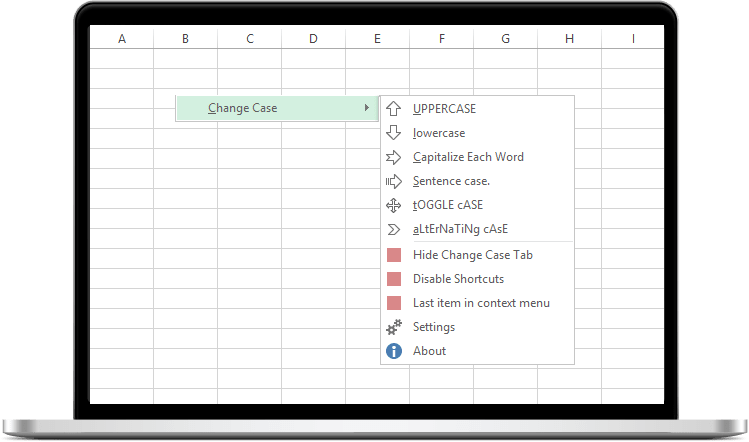
Right-click context menu
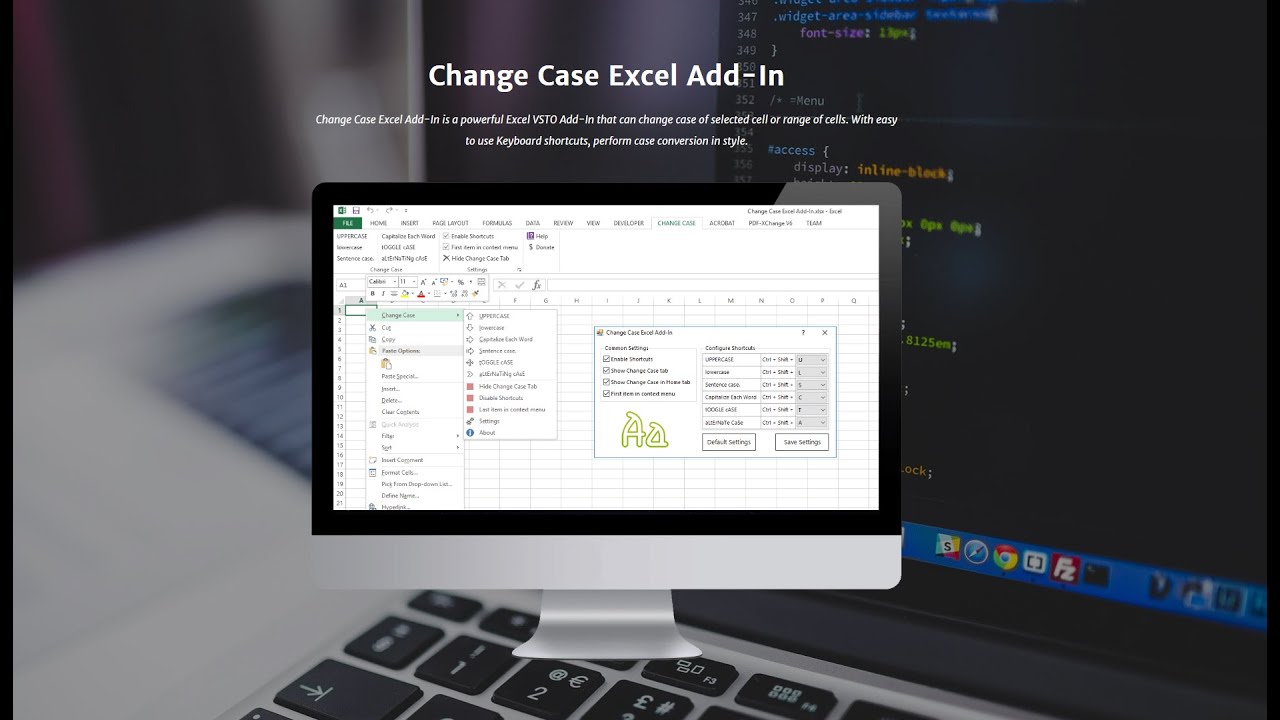
Select cells, right-click, change case. No dialogs, no formulas. Place it first or last in the menu.
Global shortcuts
Map Ctrl+Shift+Key combos to any conversion. Enable or disable individually.
Ribbon tab
Dedicated Change Case tab plus integration into the Home tab.
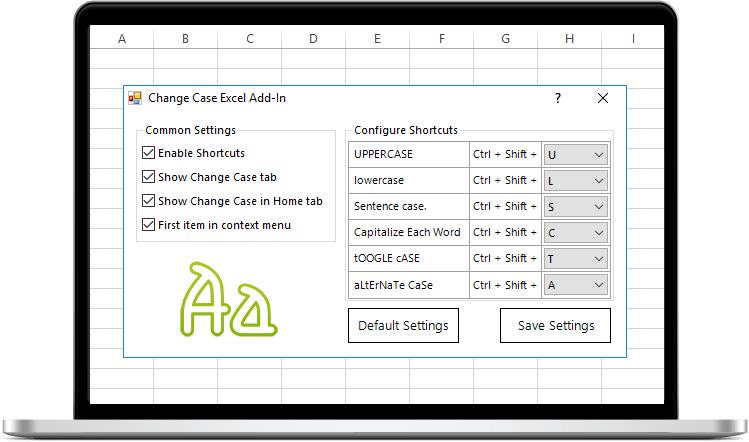
Full control settings
Configure every shortcut key, toggle visibility, decide context menu position — all from one clean panel.
6 case conversions
UPPER, lower, Sentence, Title, tOGGLE, and aLtErNaTiNg case — covering every real-world need.
Lightweight & secure
Under 1MB installer. No telemetry, no network calls, no ads. Just a clean native add-in.